> For the complete documentation index, see [llms.txt](https://docs.sia.tech/llms.txt). Markdown versions of documentation pages are available by appending `.md` to page URLs; this page is available as [Markdown](https://docs.sia.tech/store-your-data/setting-up-renterd/renting-storage.md).
# Storing Your Data
{% hint style="info" %}
**`renterd` is no longer the preferred way to store data on Sia.** For most users, [Sia Storage](https://sia.storage) (50 GB free, nothing to run) or a self-hosted [`indexd`](/store-your-data/setting-up-indexd.md) is a better starting point. `renterd` still works, and these guides remain for existing users.
{% endhint %}
This guide walks you through uploading files with `renterd`. Your files are stored on Sia's decentralized storage network, where data is spread across a network of hosts for redundancy.
## Before you begin...
* **Install `renterd`**: Make sure you have the latest version of `renterd` installed on your machine.
* **Create a Wallet**: If you haven't already, create a Sia wallet to store your Siacoins.
* **Fund Your Wallet**: Transfer Siacoins (SC) to your Sia wallet from an exchange or another source. You'll need these coins to pay for storage.
## Uploading your files in renterd
{% hint style="warning" %}
Uploading files with `renterd` assumes you have completed all the steps of the `renterd` setup guide. Visit the [renterd](/store-your-data/setting-up-renterd.md) guides to ensure everything is set up correctly before proceeding.
{% endhint %}
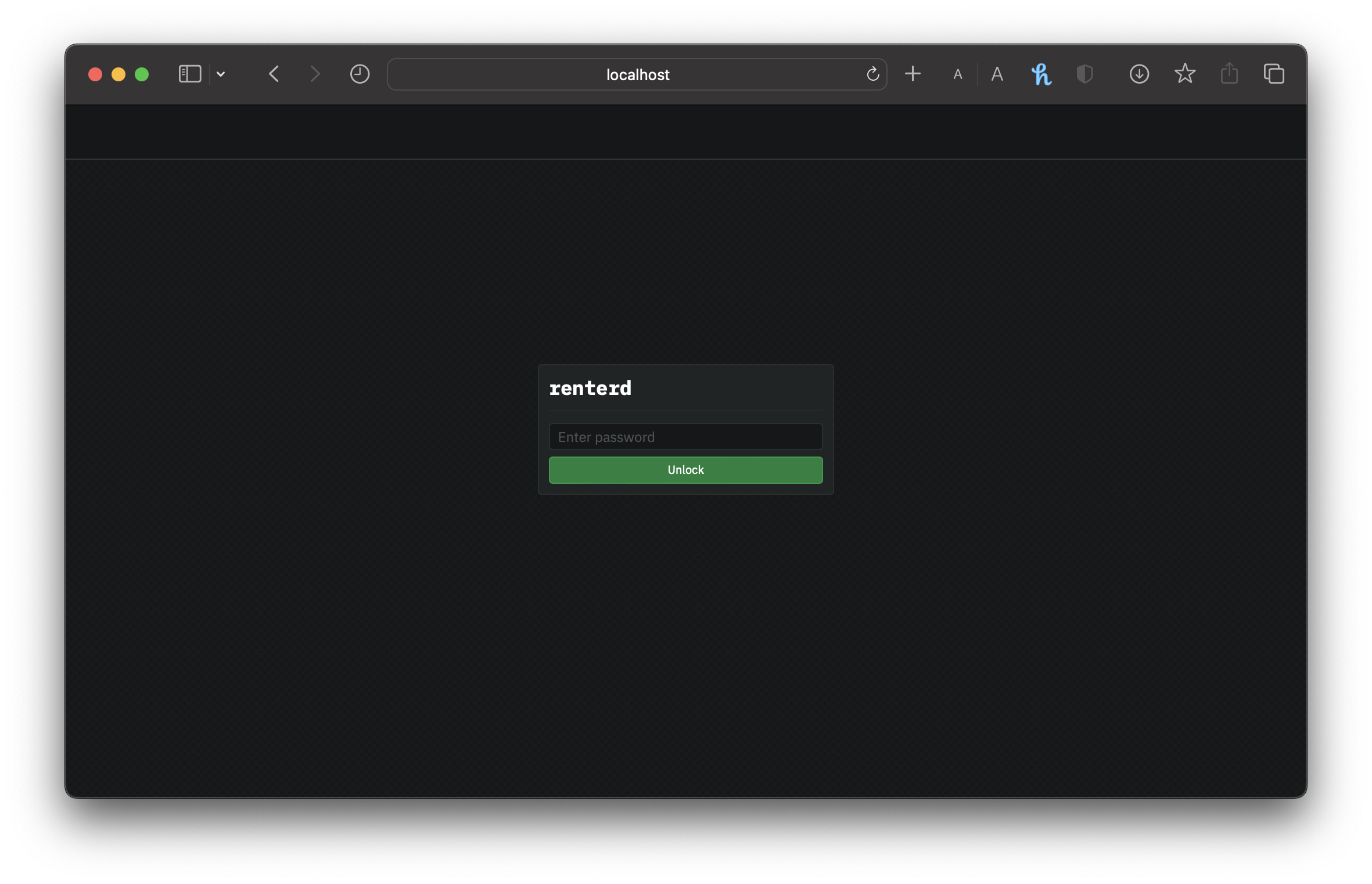
1. Access the `renterd` UI from your local host address. Enter your `API password` you created to unlock `renterd`.
renterd Login UI
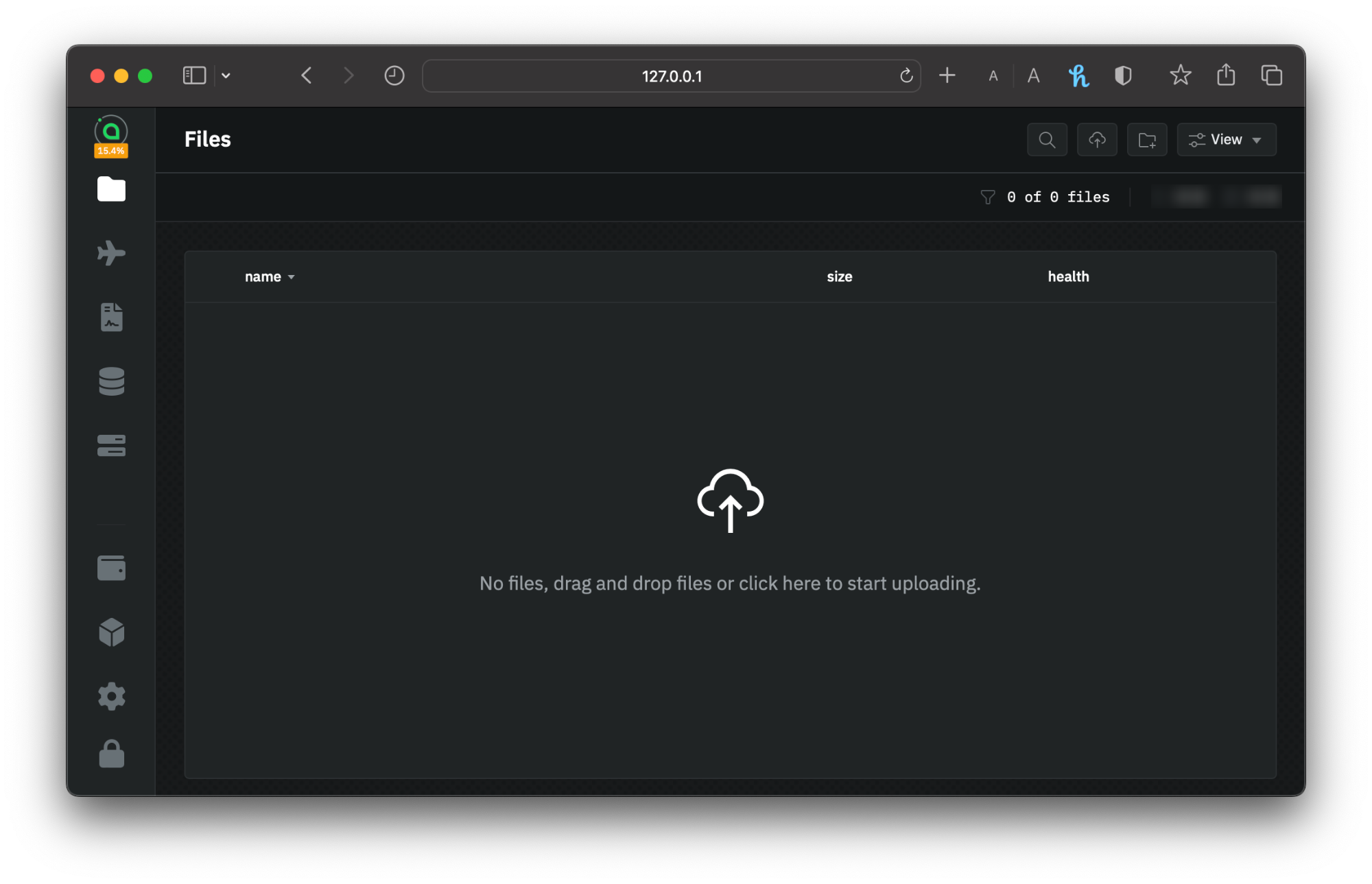
2. Drag-and-drop files, or click the Upload Files button in the top right corner to begin uploading files.
File upload UI
Once you've chosen the file(s) to upload, it will be classed as active upload; give it a few seconds.
{% hint style="success" %}
You have uploaded your file(s) using `renterd`. Your data is now stored on the Sia network.
{% endhint %}
## File processing
When you upload a file to Sia, it is processed on your local machine before being sent to the network. The file is divided into chunks. Each chunk is then split into 30 distinct pieces, each encrypted before being sent to a separate host. Only 10 of the 30 pieces are required to reconstruct a chunk, and no single host holds more than one piece.
This means up to 20 hosts can become disconnected from the network for each section of your original file, and your data remains recoverable.
{% hint style="info" %}
For the more technical readers, here is what happens behind the scenes:
* Files are chunked into 40MB chunks (if a file is smaller, it is padded to 40MB so that data looks identical as it moves across networks)
* Each chunk is then erasure-coded using [Reed-Solomon](https://en.wikipedia.org/wiki/Reed%E2%80%93Solomon_error_correction) encoding. After processing, each chunk has 30 unique 4MB pieces.
* Each piece is then encrypted using [ChaCha20](https://en.wikipedia.org/wiki/ChaCha20-Poly1305) and uploaded to a distinct host.
* As Reed-Solomon encoding is done with 10 data and 20 parity shards, 10 pieces are sufficient for rebuilding the file.
{% endhint %}
---
# Agent Instructions
This documentation is published with GitBook. GitBook is the documentation platform designed so that both humans and AI agents can read, navigate, and reason over technical content effectively. Learn more at gitbook.com.
## Querying This Documentation
If you need additional information that is not directly available in this page, you can query the documentation by asking a question.
Perform an HTTP GET request on the following URL with the `ask` and `goal` query parameters:
```
GET https://docs.sia.tech/store-your-data/setting-up-renterd/renting-storage.md?ask=&goal=
```
`ask` is the immediate question: it should be specific, self-contained, and written in natural language.
`goal` is what the user is ultimately trying to achieve, the reason they need the answer. Sharing it helps GitBook give you a better, more relevant answer. A goal is most helpful when it describes the outcome the user wants rather than restating the question. For example, with `ask=how do I create an API token`, a goal like `automate deployments from our CI pipeline` lets GitBook tailor the answer to that use case.
The response will contain a direct answer to the question and relevant excerpts and sources from the documentation.
Use this mechanism when the answer is not explicitly present in the current page, you need clarification or additional context, or you want to retrieve related documentation sections.